Partner Spotlight
Edit Video Like You Edit a Google Doc
Descript transcribes your video, then lets you cut, rearrange, and polish by editing the text. Delete a sentence from the transcript — it disappears from the video.
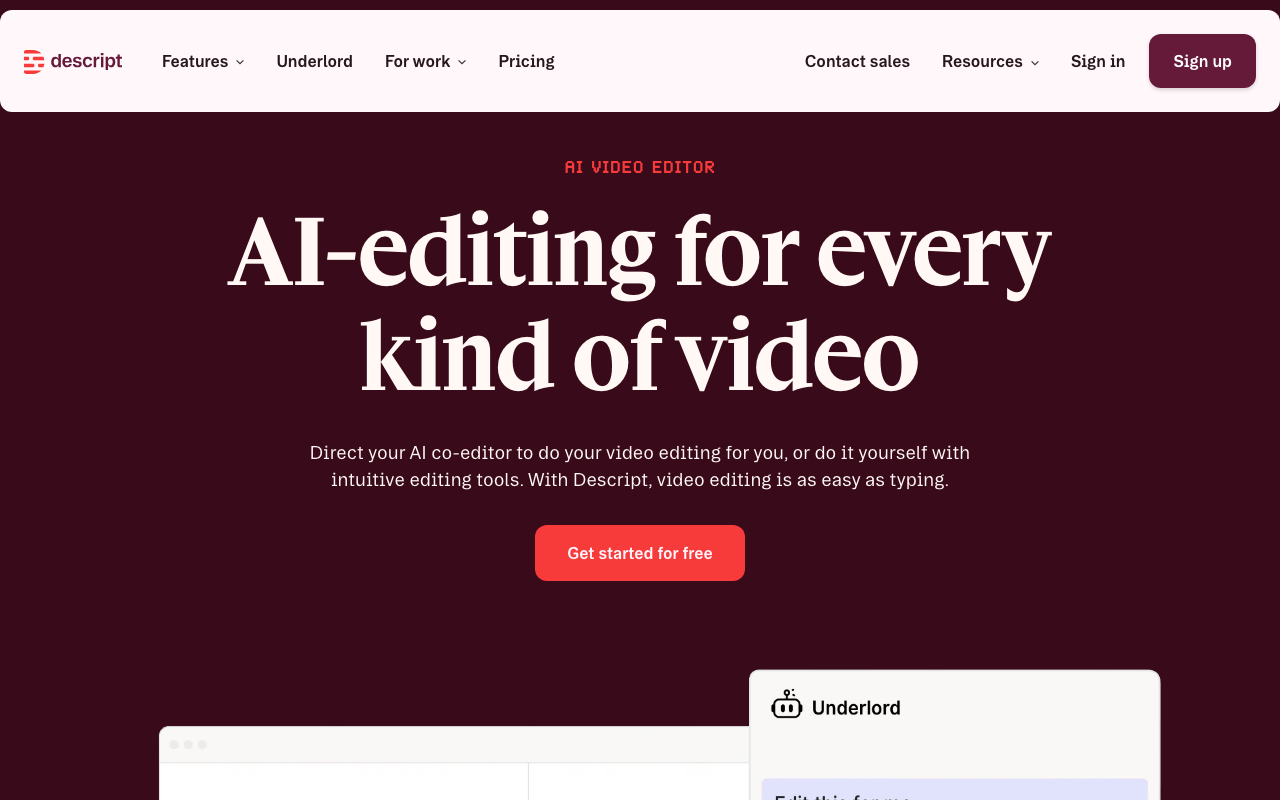
You recorded a 45-minute podcast. The good parts are scattered across the timeline. Finding them means scrubbing through footage, marking timestamps, and stitching together cuts in a timeline editor.
Descript flips the workflow. It auto-transcribes your video, then you edit the text — cut words, move paragraphs, delete filler — and the video updates automatically. If you can edit a Google Doc, you can edit a video.
Amazon, Apple, Spotify, and Salesforce use it. The free tier is permanent — not a trial.
The Problem
- ✗Video editing takes hours of timeline scrubbing even for simple cuts.
- ✗Removing filler words ("um," "uh," "like") requires manual identification and cutting — tedious frame-by-frame work.
- ✗You need separate tools for recording, transcription, captions, and editing.
- ✗Repurposing long-form video into short clips requires watching the entire recording to find highlights.
Free tier is permanent — 1 hour of media per month, 100 AI credits. Not a trial. Use it forever.
Learn moreHow Descript Works
Edit the transcript, the video follows. Cut, rearrange, or delete content by editing words — no timeline required.
One click removes background noise, levels audio, and corrects eye contact. Professional quality without a studio.
AI identifies the best moments from long recordings and suggests short-form clips ready for social. Minutes instead of hours.
Common Concerns (Answered)
“I already know Premiere/Final Cut.” Great for complex productions. But for podcast editing, client testimonials, social clips, and internal videos — Descript is 10x faster. Most teams use both.
“How accurate is the transcription?” Industry-leading accuracy. And since you're editing the transcript anyway, you fix any errors as part of your natural editing workflow.
“Can it handle professional-quality output?” 4K export on the Creator plan ($24/month). Amazon, Apple, and Spotify use Descript. The quality ceiling is high.
Your Move
Keep scrubbing timelines for hours to make simple cuts. Pay for separate transcription and caption tools.
Edit video by editing text. AI handles filler words, sound quality, and clip suggestions. Free forever tier.